The brief#
Chia's reference wallet combines a farming tool, a full node and a wallet in one download for Windows, macOS and Linux. Each release first goes out as release candidates, typically two to four over roughly two weeks, and each must work on all three systems.
Chia's security team asked us to test those candidates. From a sheet of around eighty manual tests, covering installation through plotting, pooling, tokens, NFTs and offers, they chose the forty-two that counted most for the first release, to run in the app on Debian Linux, Windows 11 and an Apple Silicon Mac. Every test used installers from Chia's own release pipeline, the same files users download.
Three systems, every candidate#
Each machine had to sync a Chia node to testnet11, Chia's test network. All three stalled loading the keyring, and one candidate's Windows build would not open its window. Chia's team had the answers, set out below, and all three machines were soon running. Chia sent test tokens and NFTs to our wallets, and we minted further NFTs on the command line, each tied to a decentralised identity.
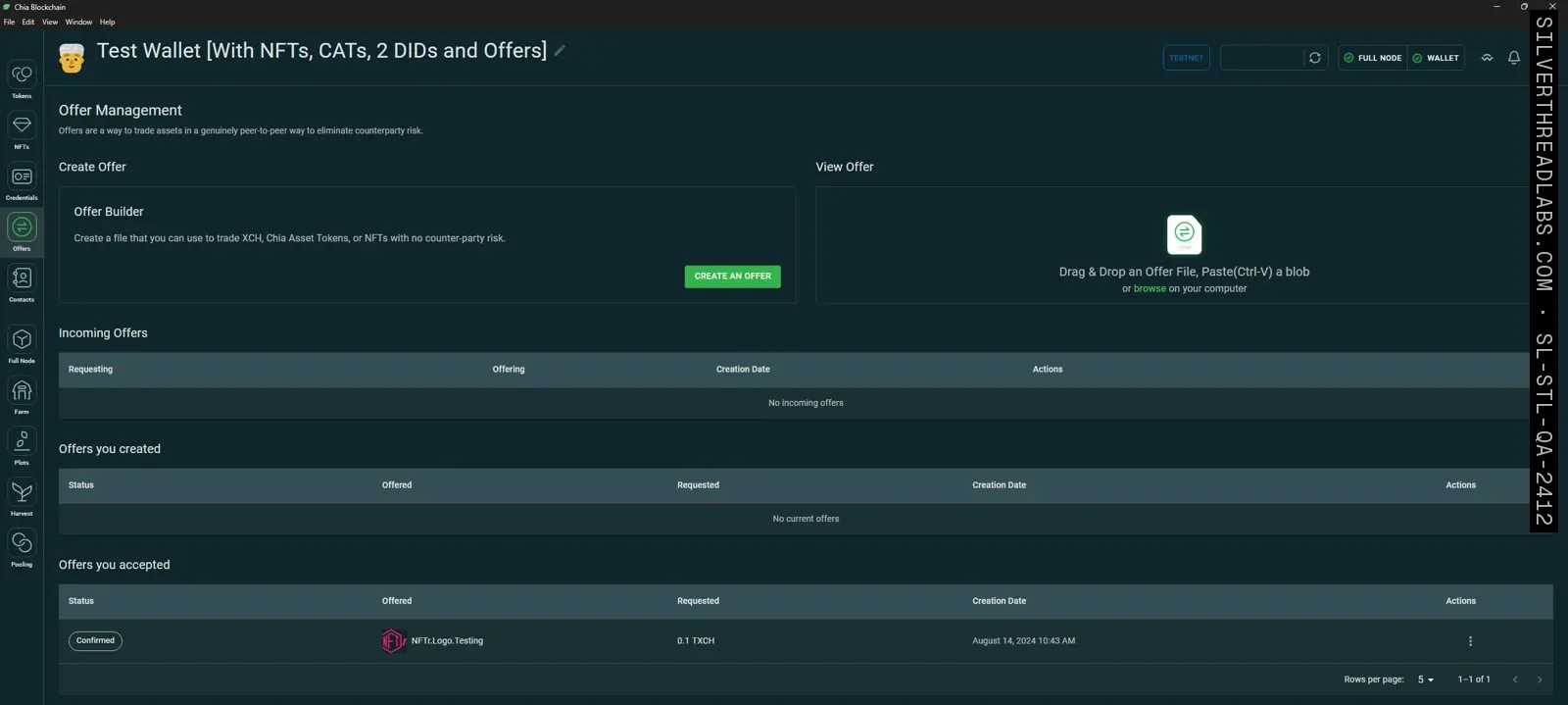
Our team ran each of 2.4.3's three release candidates across the three systems within the three days Chia allowed, recording every result in a sheet Chia's engineers could read. Failures went onto Chia's GitHub, where its engineers tagged them for their QA team, then worked through each with us, asking for logs and trying it again on the next candidate.
Some of our finds fell outside the forty-two tests. In the signing dialog on Linux and on a Mac, the identity chosen to sign a message spilled past its box. The fix came from Chia's engineers two days later and went out in 2.4.4. When another wallet took an NFT offer, the one that made it still showed it as waiting, and we added a reproduction to Chia's open issue, which 2.4.4 lists as fixed. For 2.4.4, Chia moved to a single full-time tester from our team, who ran its three release candidates the same way and checked Chia's new website for broken links ahead of launch.
The hard part: a wallet with no passwords#
During the release work, Chia also asked our team to test its next wallet. The Cloud Wallet runs in a browser and has no node to sync. Chia was after more tests, automated, and a process that would scale with its QA team, and picked Playwright.
Every sign-up, sign-in and send in the Cloud Wallet is approved with a passkey. The passkey prompt belongs to the operating system and the browser, not the page, so Playwright cannot reach it. Under the interface sits a live blockchain: a new vault is a transaction that must confirm, a send must get into the mempool and then settle, and the recovery phrase appears once only.
The Playwright suite#
Saif Pasha built a Playwright suite covering the Cloud Wallet's back end and front end against its development build on testnet11, with our QA team assisting. Chia's product team wrote every feature up as a story with acceptance criteria. The tests came from those stories, from the welcome message through to the passkeys page.
Saif stored the passkey for the test account in a password manager extension and loaded that extension into the browser Playwright controls. The extension answers the wallet's passkey requests within the browser, where tests can click it. A test signs in and creates a vault, copies the recovery phrase and pastes it in again to confirm, then renames and deletes the vault. It also sends test XCH with a fee, approves that send with the passkey, then tracks it from unsigned to the mempool and on to settled. The address book, tokens and the settings got flows of their own.
That first full run passed. Chia's product team then asked for the suite in Chia's own GitHub, where it adopted the company's commit conventions and signed commits and ran in the main repository's CI/CD pipeline. Our QA team kept it current with each Cloud Wallet release.
The outcome#
When Chia shipped 2.4.3 and later 2.4.4 of the reference wallet, every release candidate had been tested on Linux, macOS and Windows, and the bugs our team found were filed on Chia's GitHub. Its Cloud Wallet had a Playwright suite in Chia's own GitHub that tested it end to end, signing in with a real passkey and moving real test funds on testnet11.
One of the testers Chia nominated for the Cloud Wallet's pre-release testing week was a QA engineer from our team. Chia's new wallet went to the public tested end to end, passkeys included.


